
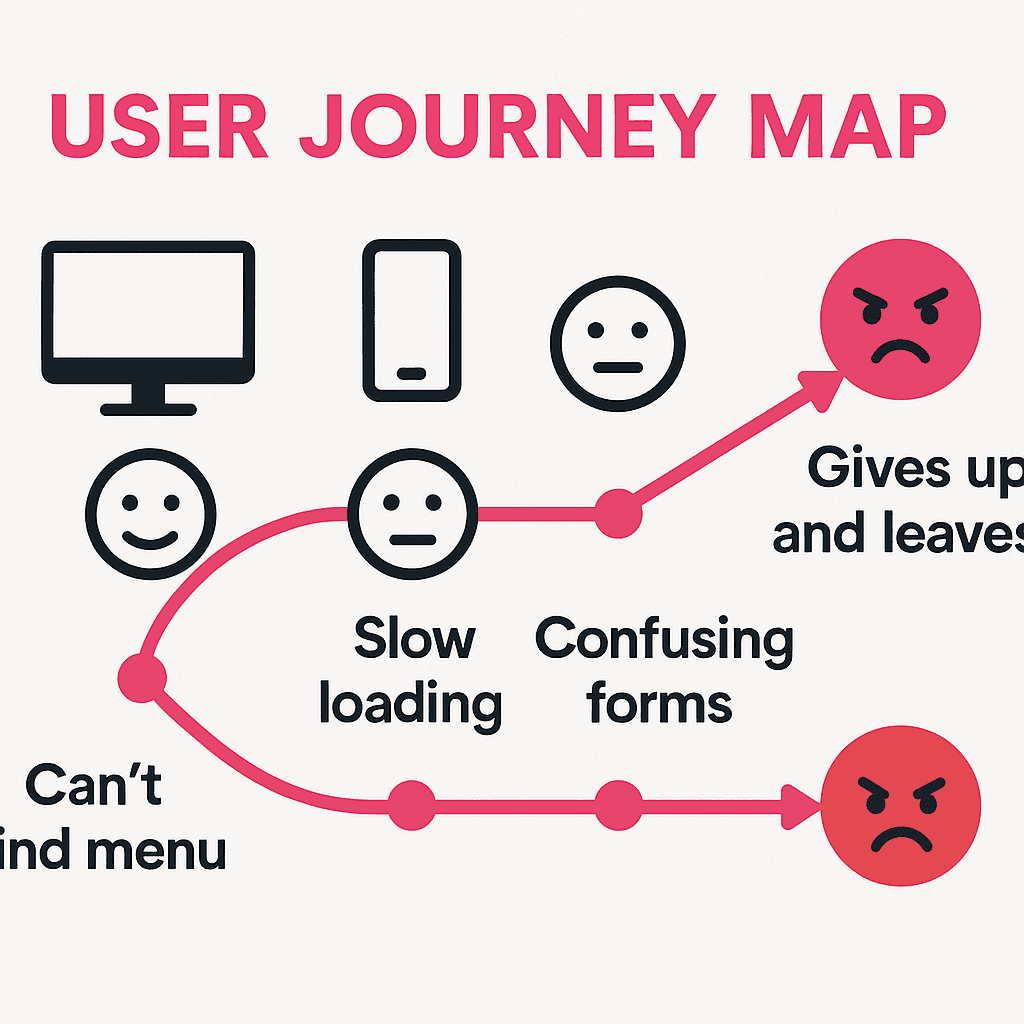
Your Website's Job Is to Get the Phone to Ring. Here's How to Tell If It's Doing It.
A lot of business owners judge their website on the wrong thing. They look at it the way you'd look at a shop window — does it look nice, is it tidy, do I like the colours? Fair enough. But a website isn't a shop window. It's a salesperson who works 24 hours a day and never takes a tea break. And like any salesperson, the only fair way to judge it is: does it bring you business?
For a local plumber, café, salon or builder, "business" usually means one of three things — the phone rings, the contact form gets filled in, or someone walks through the door because they found you online. Everything else is vanity.
So let's work out whether yours is pulling its weight. You don't need a developer for most of this.
First, figure out what "working" looks like for you
Before you can tell if your site's doing its job, you need to know what the job is. For most local businesses it's one of these:
- Phone calls — the classic for trades and emergency services.
- Enquiry forms or emails — for quote-based work, events, bookings.
- Bookings — salons, restaurants, classes.
- Visits in person — cafés, shops, anywhere with a front door.
Pick the one that matters most to you. That's your "goal". Everything below is about whether the site nudges people towards that goal or quietly gets in the way.
The two-second test
Open your own website on your phone — not your laptop, your phone, because that's where most people will see it. Now imagine you've never been there before. Within two seconds, can you answer:
- What does this business do?
- Where is it?
- How do I get in touch — right now, without scrolling?
If any of those takes effort, you've found a leak. The most common one by miles: the phone number is hidden in a header, not tappable, or stuck at the bottom of the page. On a mobile, your number should be one thumb-tap away at all times.
Look at the numbers you already have
You almost certainly have Google Analytics running (and if you don't, that's worth fixing — it's free). You don't need to understand every chart. Look at three things:
- How many people visit? This tells you whether your problem is traffic (nobody's finding you) or conversion (they find you but don't act). Two very different fixes.
- How long do they stay, and how many leave instantly? A high "bounce rate" on your homepage often means the page loaded slow, looked confusing, or didn't match what they searched for.
- Which pages do people actually land on and leave from? If everyone lands on your services page and bails before reaching contact, the trail goes cold somewhere in between.
Pair that with your Google Business Profile insights, which tell you how many people clicked "call" or "directions" straight from your listing. Those calls are real business your website helped create — count them.
The leaks that quietly cost you customers
In our experience with Devon businesses, the same handful of issues come up again and again:
- It's slow. Over half of mobile visitors give up if a page takes more than three seconds. If your site is heavy with massive images or a bloated theme, you're losing people before they see a word.
- The call-to-action is wishy-washy. "Learn more" doesn't get a phone to ring. "Call us for a free quote" does. Tell people exactly what to do next.
- There's too much to read before the point. People skim. Get the offer and the contact route up top.
- The contact form asks for too much. Every extra field loses a few more people. Name, number, a line about the job — that's plenty to start.
- No trust signals. No reviews, no photos of real work, no local mentions. Strangers don't ring strangers; they ring businesses that feel proven.
A simple monthly habit
You don't need a fancy dashboard. Once a month, jot down:
- How many enquiries did I actually get (calls, forms, walk-ins I can trace back online)?
- Did that go up or down from last month?
- Is there an obvious reason — a quiet season, a new review, a page I changed?
Do that for three months and you'll start to see what's working. A website should be a thing you tune, not a thing you build once and forget.
When to get help
If you're getting plenty of visitors but barely any enquiries, the site is the problem, not your marketing — and that's usually a quick, high-value fix. If you're getting almost no visitors, the issue is being found in the first place (start with your Google Business Profile).
Either way, you want a site that's measured against the right thing: enquiries, not applause.
That's exactly how we build for local businesses — function first, looks second, and a clear line of sight from "found you on Google" to "phone's ringing". If you'd like us to take an honest look at where yours is leaking, get in touch. We'll tell you straight whether it needs a tweak or a rethink.
Ready to Grow Your Business?
Get a free Google Ads audit and discover untapped opportunities to increase your ROI.
Get Your Free Report →Written by Pink Frog Studio
Digital Marketing Specialist
With over 5 years of experience in digital marketing, Pink helps UK businesses unlock their online potential through data-driven strategies and proven tactics that deliver measurable results.
Continue Learning
Explore more insights to grow your business
5 Things on Your Homepage That Quietly Lose You Customers
These aren't dramatic, obvious mistakes. They're small, easy-to-miss things that send local customers away before they ever pick up the phone — and they're all fixable in an afternoon.
How to Actually Show Up When Someone Googles a Plumber Near Them
Local SEO in plain English. No jargon, no smoke and mirrors — just the handful of things that decide whether a Devon customer finds you or the firm down the road when they reach for their phone.
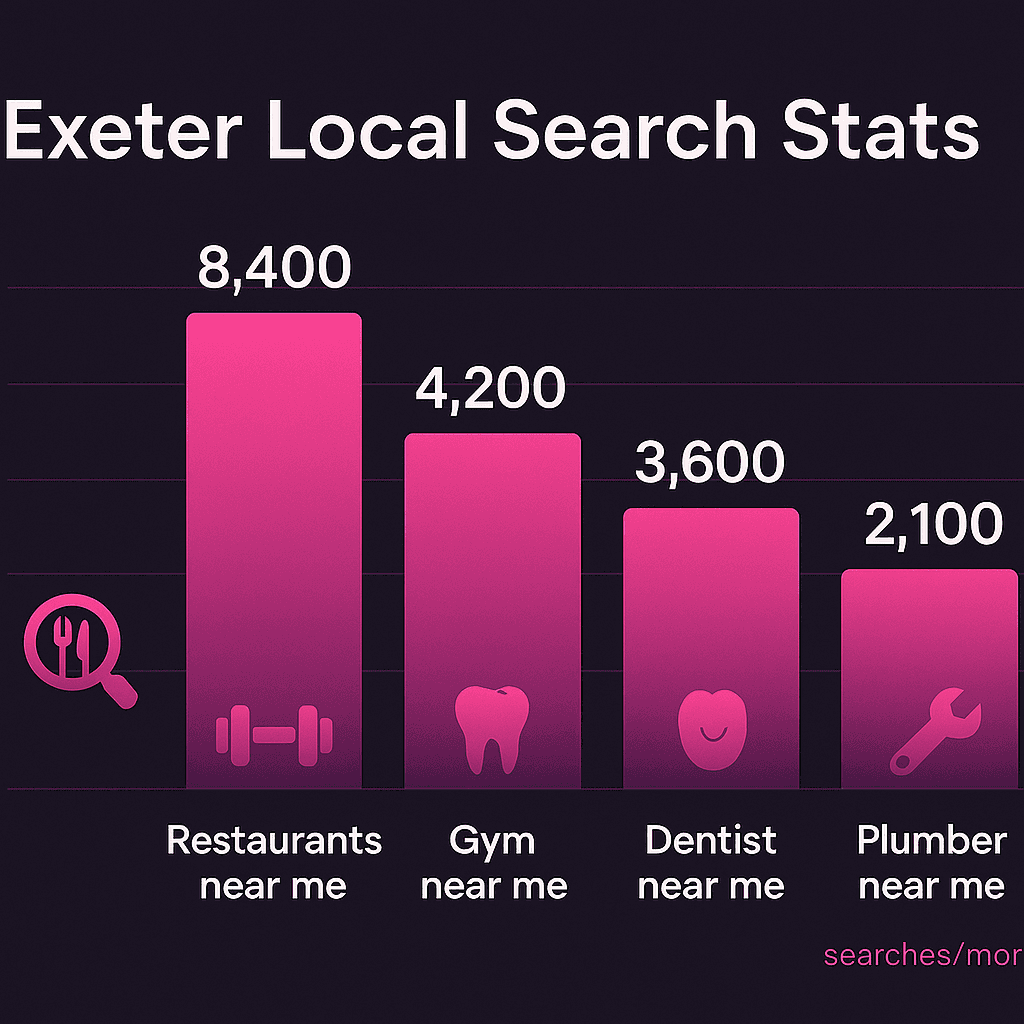
Google Business Profile: The Free 20 Minutes That Beats Most Paid Ads
For a local business, the single highest-value marketing job costs nothing and takes about twenty minutes. Here's exactly how to set up and tune your Google Business Profile so it works for you.
Ready to Grow Your Business?
Let's have a quick chat about how we can help you get more customers.